
Quillbot AI Prompt Generator Guide 2026: How to Use It for Better AI Results
In 2026, crafting the perfect prompt is key to unlocking the full potential of AI tools like ChatGPT, Gemini, Claude, and more. If you’re tired of vague or underwhelming AI outputs, Quillbot’s free AI Prompt Generator is a game-changer. This powerful tool transforms your rough ideas into detailed, optimized prompts that deliver consistent, high-quality results.
Whether you’re a content creator, marketer, student, or professional, this Quillbot AI Prompt Generator guide will show you exactly how to use it for better AI results. We’ll cover features, step-by-step instructions, tips, examples, and best practices to supercharge your workflow.
What Is Quillbot AI Prompt Generator?
Quillbot’s AI Prompt Generator is a completely free tool designed to create tailored prompts for large language models (LLMs). Launched as part of Quillbot’s expanding AI writing suite, it takes simple inputs—like a goal, task, or creative idea—and generates structured, specific prompts ready to copy-paste into tools like ChatGPT or Gemini.
Unlike basic paraphrasers, this generator focuses on prompt engineering: turning vague thoughts into clear, goal-oriented instructions. It’s ideal for:
- Brainstorming content ideas
- Writing job descriptions or stories
- Summarizing research
- Overcoming writer’s block
In 2026, it’s one of the top free AI prompt generators, praised for its simplicity and effectiveness. No premium subscription is required for core use, though Quillbot Premium unlocks complementary tools like the Paraphraser and Grammar Checker.
Key Features of Quillbot AI Prompt Generator in 2026
- Free Access: Unlimited use without quotas (subject to fair usage).
- Multi-Model Compatibility: Optimized for ChatGPT, Gemini, Claude, Grok, and others.
- Simple Interface: One main input box for your idea.
- Instant Generation: Produces detailed prompts in seconds.
- Integration: Works seamlessly with Quillbot’s browser extensions (Chrome, Edge, etc.) and apps.
- Versatile Applications: Supports creative writing, professional tasks, academic summaries, and more.
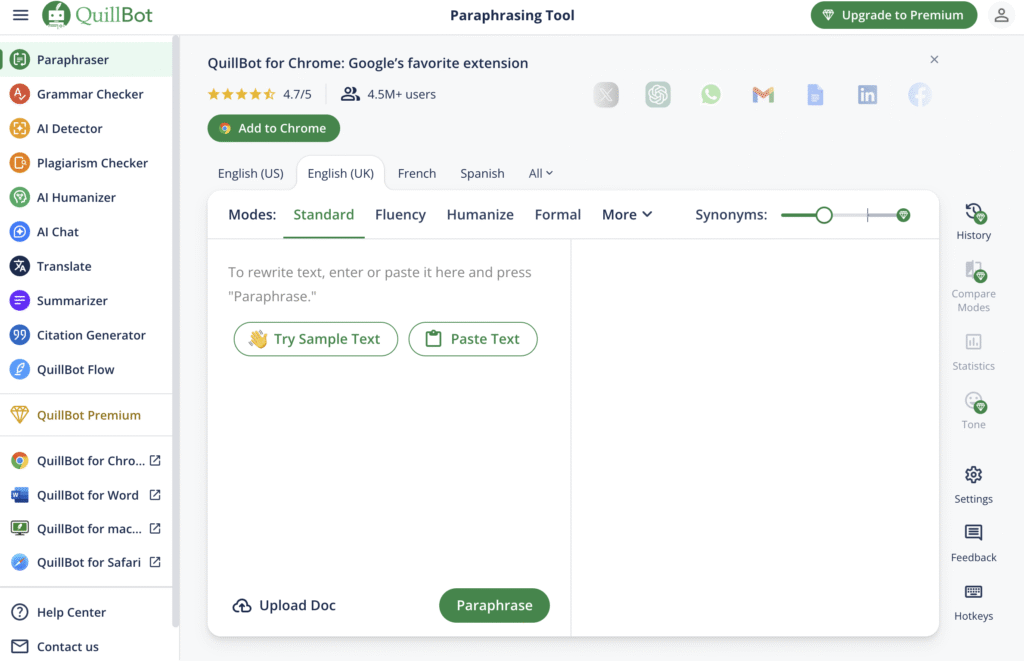
No advanced options like modes or toggles—it’s straightforward by design.
How to Use Quillbot AI Prompt Generator: Step-by-Step Guide
Getting started is easy. Here’s how to use the Quillbot AI Prompt Generator for optimal results:
- Visit the Tool: Go to quillbot.com/ai-writing-tools/ai-prompt-generator.
- Enter Your Idea: In the main chatbox, type a simple description of what you need. Be as specific as possible—for example:
- “Write a job description for a marketing role”
- “Ideas for a dystopian short story about AI”
- “Summarize a research article on climate change”
- Generate the Prompt: Click the “Generate an AI prompt” button.
- Review and Copy: The tool outputs a refined, detailed prompt. Copy it directly.
- Paste into Your AI Tool: Use it in ChatGPT, Gemini, or another LLM for superior outputs.
- Refine if Needed: Edit the generated prompt or regenerate with more details.
Pro Tip: Combine with Quillbot’s other free tools (e.g., Paraphraser) to polish the final AI output.
Real Examples: Quillbot AI Prompt Generator in Action
Here are actual examples from Quillbot’s tool to show how it elevates basic ideas:
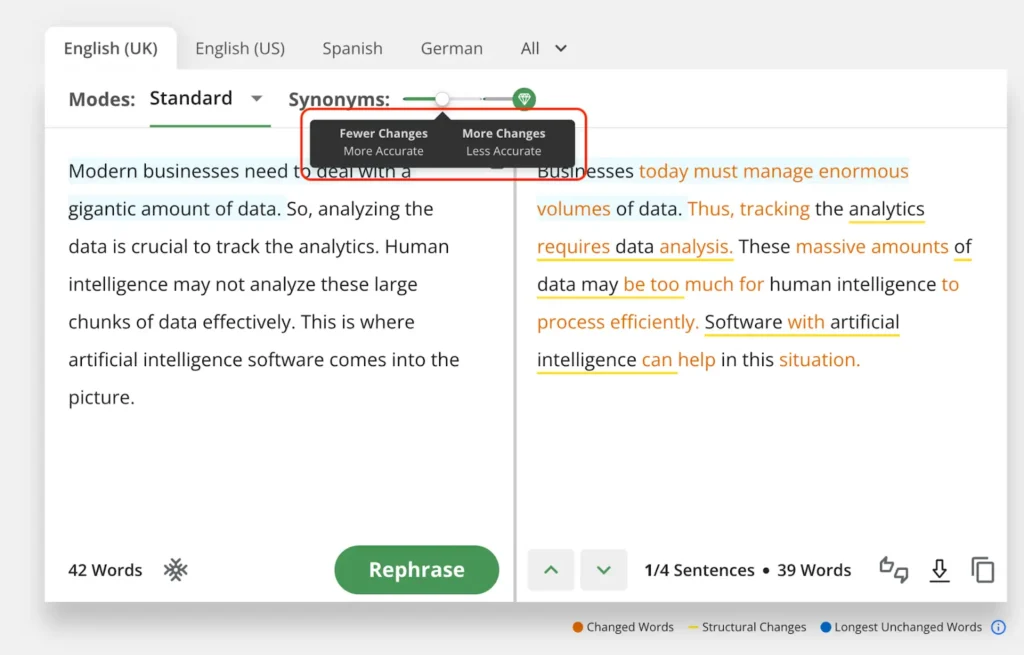
Example 1: Professional Task
- Your Input: “Write an AI prompt for a job description that attracts top talent.”
- Generated Prompt: “Create a job description that emphasizes professional development, team collaboration, and the opportunity to make a measurable impact. Specify qualifications, desired skills, and company culture. Encourage applicants who are driven, creative, and thrive in fast-paced environments. Aim for a tone that’s clear, compelling, and inclusive to attract high-quality candidates.”
- Result: Paste this into ChatGPT for a polished, engaging job posting.
Example 2: Creative Writing
- Your Input: “Generate an AI prompt for a dystopian short story about AI.”
- Generated Prompt: “Imagine a society where artificial intelligence controls every aspect of daily life, including thoughts and emotions. Write a story following a character who stumbles upon a forgotten relic of human creativity. Explore how they challenge the system and rediscover the value of free will, imagination, and human connection.”
- Result: Ideal for sparking a full story in any AI writing tool.
Example 3: Academic/Research
- Your Input: “Create an AI prompt to summarize a technical research article.”
- Generated Prompt: “Summarize this peer-reviewed research article by outlining its objective, methodology, key findings, and implications. Use accessible language for a non-expert audience. Keep under 200 words and avoid jargon while maintaining accuracy.”
- Result: Perfect for quick, clear summaries.
These examples highlight how Quillbot turns short ideas into structured, effective prompts.
Tips for Getting Better AI Results with Quillbot Prompt Generator
To maximize this tool in 2026, follow these best practices:
- Be Specific in Inputs: Include details like tone, length, audience, or format (e.g., “in bullet points” or “formal tone”).
- Add Context: Mention the target AI model or task goal for tailored outputs.
- Iterate: If the first prompt isn’t perfect, refine your input and regenerate.
- Combine Tools: Use Quillbot’s Summarizer or Humanizer on AI outputs for polished results.
- Avoid Vagueness: Steer clear of overloaded or conflicting ideas—keep inputs clear.
- Experiment with Styles: Request “humorous,” “professional,” or “in the style of [author]” for variety.
As Quillbot’s blog advises, great prompts are clear, specific, and goal-oriented—this generator handles the heavy lifting.
Why Choose Quillbot AI Prompt Generator Over Alternatives?
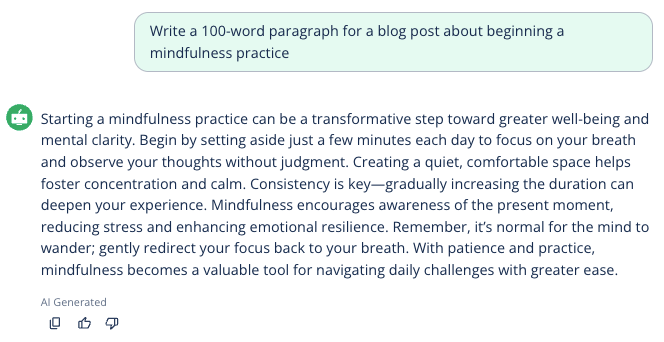
In 2026, while tools like PromptPerfect or Perchance exist, Quillbot stands out for being:
- 100% Free with no hidden limits
- User-Friendly for beginners
- Integrated with a full writing suite
It’s perfect if you already use Quillbot for paraphrasing or grammar checks.
FAQ: Quillbot AI Prompt Generator (2026)
Is Quillbot AI Prompt Generator completely free?
Yes! The core tool is 100% free with no sign-up required. Premium features unlock extras across Quillbot’s suite.
Does it work with all major AI models like ChatGPT and Claude?
Absolutely. It’s designed for ChatGPT, Gemini, Claude, Grok, and more—producing universal, high-quality prompts.
Can Quillbot generate image or art prompts?
Yes—try their dedicated AI Image Prompt Generator or AI Art Prompt Generator for Midjourney, DALL-E, or Stable Diffusion.
What’s the difference between Quillbot’s general Prompt Generator and specialized ones?
The main one handles any task. Specialized versions (story, random, writing) add tailored creativity for specific needs.
Are there limits on how many prompts I can generate?
No strict daily limits for free users, though fair usage applies during peak times.
Is Quillbot’s Prompt Generator better than alternatives in 2026?
It’s top-rated for simplicity and integration. Great alternatives include Perchance or dedicated tools like PromptPerfect (paid).
Conclusion: Elevate Your AI Game with Quillbot in 2026
The Quillbot AI Prompt Generator is an essential free tool for anyone using AI in 2026. By turning rough ideas into precise prompts, it ensures better, more consistent results from ChatGPT, Gemini, and beyond—saving time and boosting creativity.
Start using it today at quillbot.com/ai-writing-tools/ai-prompt-generator. Whether for work, school, or fun, you’ll see immediate improvements in your AI outputs.
Have questions? Try it yourself and experiment— the results speak for themselves!
Leave a Comment