
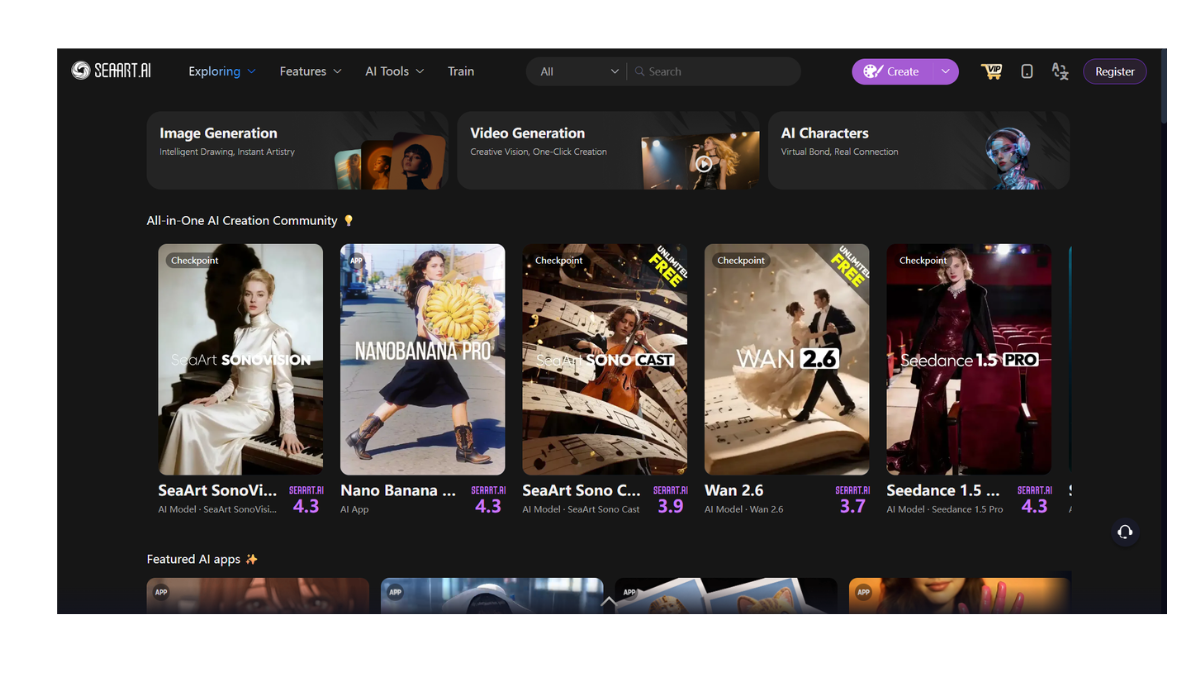
SeaArt.AI
SeaArt.ai is often described as the “Swiss Army Knife” of AI art. It is a powerful, all-in-one platform that aggregates the best open-source models (like Stable Diffusion and Flux) into a user-friendly web interface.
If Civitai is the “library” where you download models, SeaArt is the “studio” where you use them without needing a powerful $2,000 computer.
1. Core Purpose: The “All-in-One” Studio
SeaArt distinguishes itself by packing almost every possible AI feature into one website. It isn’t just for making pictures; it’s for complex workflows.
-
Model Aggregator: It hosts over 200,000 models (Checkpoints and LoRAs) directly from Civitai and other sources. You don’t need to download anything; you just click “Use” on the model you like.
-
Face Swap & Video: Unlike Midjourney, SeaArt has built-in tools to swap faces in photos/videos or turn a static image into a short animation.
-
AI Chat (Cyberpub): It features a “Character Chat” mode where you can roleplay with AI personalities generated by the community.
2. The AI Models
SeaArt doesn’t rely on just one brain; it lets you choose from many.
-
Flux (Newest): It supports the latest “Flux” models, which are currently rivaling Midjourney in realism and text adherence.
-
Stable Diffusion (SDXL & 1.5): The backbone of the site. You can use specific versions tuned for anime, photorealism, or oil painting.
-
Pony/Illustrious: It fully supports these specialized models, which are famous in the anime community for following difficult prompts extremely well.
3. Key Features
-
Swift AI Tools: A collection of one-click utilities for specific tasks:
-
Remove Background: Instantly creates transparent PNGs.
-
HD Upscaler: Increases the resolution of grainy images up to 4K.
-
Sketch-to-Image: You draw a stick figure, and it turns it into a masterpiece.
-
-
ComfyUI Integration: For advanced users, SeaArt allows you to use “ComfyUI” workflows (a complex node-based system) directly in the browser. This offers the highest level of control possible in AI art today.
-
LoRA Mixing: You can stack multiple LoRAs. For example, you can load a “Ghibli Style” LoRA and a “Cyberpunk” LoRA at the same time to mix the styles.
4. Pricing & The “Stamina” System
SeaArt uses a dual-currency system that is generally very generous to free users.
-
Stamina (Free Daily Energy):
-
You get roughly 150–200 Stamina per day (resets every 24 hours).
-
Generating a standard image might cost 2–4 stamina.
-
This allows you to create 40–60 free images every single day.
-
-
Credits (Paid):
-
If you buy credits, they do not expire. These are required for heavy tasks like training your own LoRA model or generating long videos.
-
-
VIP Plans: Starting around $5/month, these give you faster generation speeds and private mode (hiding your images from the public feed).
5. SeaArt vs. The Competition
| Feature | SeaArt.ai | Civitai | Midjourney |
| Ease of Use | Medium (Powerful UI) | Hard (Complex) | Easy (Chat) |
| Hardware | Cloud (No GPU needed) | Local PC or Cloud | Cloud (Discord) |
| Variety | Highest (200k+ models) | High (Downloadable) | Low (One style) |
| Tools | Face Swap, Video, Chat | Generator | Vary Region |
| Cost | Generous Free Tier | Free (for on-site gen) | Paid Only |
- Pricing Model: FREE