
Looka AI
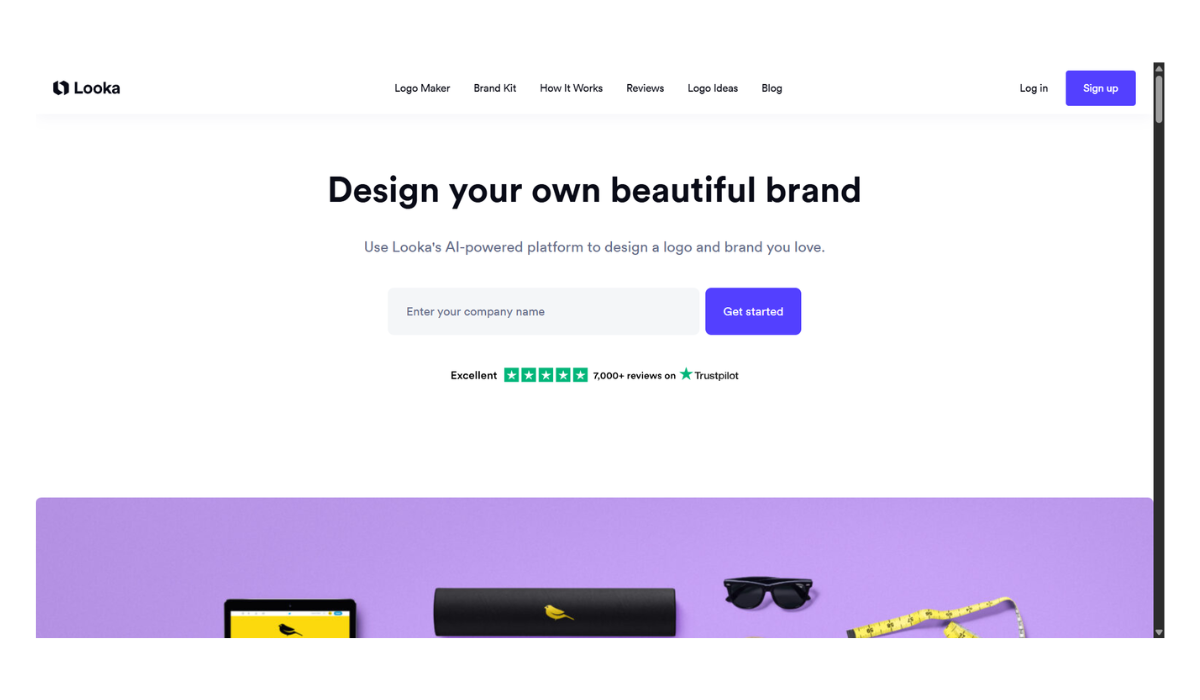
Looka AI (formerly known as Logojoy) is an AI-powered graphic design platform specifically built to help entrepreneurs and small businesses create logos and build comprehensive brand identities quickly, without needing any graphic design experience.
Here is a detailed breakdown of how it works, its features, and its pricing.
How It Works
Looka uses a combination of artificial intelligence and established design rules to generate customized branding. The process is straightforward:
-
Input Basics: You start by entering your company name and your industry.
-
Set Preferences: Looka asks you to select a few logo styles, colors, and symbols that you like. This helps the AI understand your aesthetic preferences.
-
Generate & Browse: The AI instantly generates dozens of custom logo options based on your inputs.
-
Customize: Once you find a design you like, you can open it in Looka’s editor to tweak the fonts, colors, layouts, and icon sizes until it is perfect.
Core Features
-
Logo Generator: Produces logos in multiple high-resolution formats, including vector files (SVG, EPS) and transparent backgrounds (PNG, PDF), ensuring they look good on everything from business cards to billboards.
-
The Brand Kit: If you opt for a subscription, Looka automatically uses your new logo, colors, and fonts to generate over 300+ ready-to-use branded marketing templates. This includes email signatures, letterheads, invoices, flyers, and posters.
-
Social Media Templates: The platform generates perfectly sized profile pictures, cover photos, and post templates for YouTube, Twitter, Facebook, Instagram, and LinkedIn.
-
Real-Life Mockups: While designing, you can preview what your logo will look like on T-shirts, business cards, smartphones, and physical signs.
-
Website Builder: The highest subscription tier includes an AI-generated website that automatically integrates your new brand identity.
Pricing Breakdown
You can use Looka to design and experiment with your logo completely for free. You only pay when you are ready to download your files.
| Package | Price | What’s Included | Best For |
| Basic Logo | $20 (One-time) | 1 low-resolution PNG file (no transparent background). | Quick inspiration or concept testing. |
| Premium Logo | $65 (One-time) | Multiple high-res files (PNG, SVG, EPS, PDF), transparent backgrounds, full ownership, and unlimited post-purchase changes. | Businesses that just need a high-quality logo. |
| Brand Kit | $96 / year | Everything in Premium, plus 300+ branded assets (social media, business cards, letterheads, etc.). | Founders looking for a complete visual identity. |
| Brand Kit + Web | $129 / year | Everything in the Brand Kit, plus an AI-generated website. | Starting a business from scratch and needing web presence. |
Pros & Cons
Pros:
-
Incredibly user-friendly: No design skills are required, and the editor is intuitive.
-
All-in-one branding: The Brand Kit saves hours of formatting social media assets and business documents.
-
Cost-effective: Much cheaper than hiring a professional graphic design agency.
Cons:
-
Generic potential: Because it relies on existing icons and fonts, some designs can feel a bit repetitive or lack the unique, custom-illustrated spark a human designer would provide.
-
No free downloads: Even the lowest-resolution watermark-free file requires the $20 basic package.
- Pricing Model: FREE