
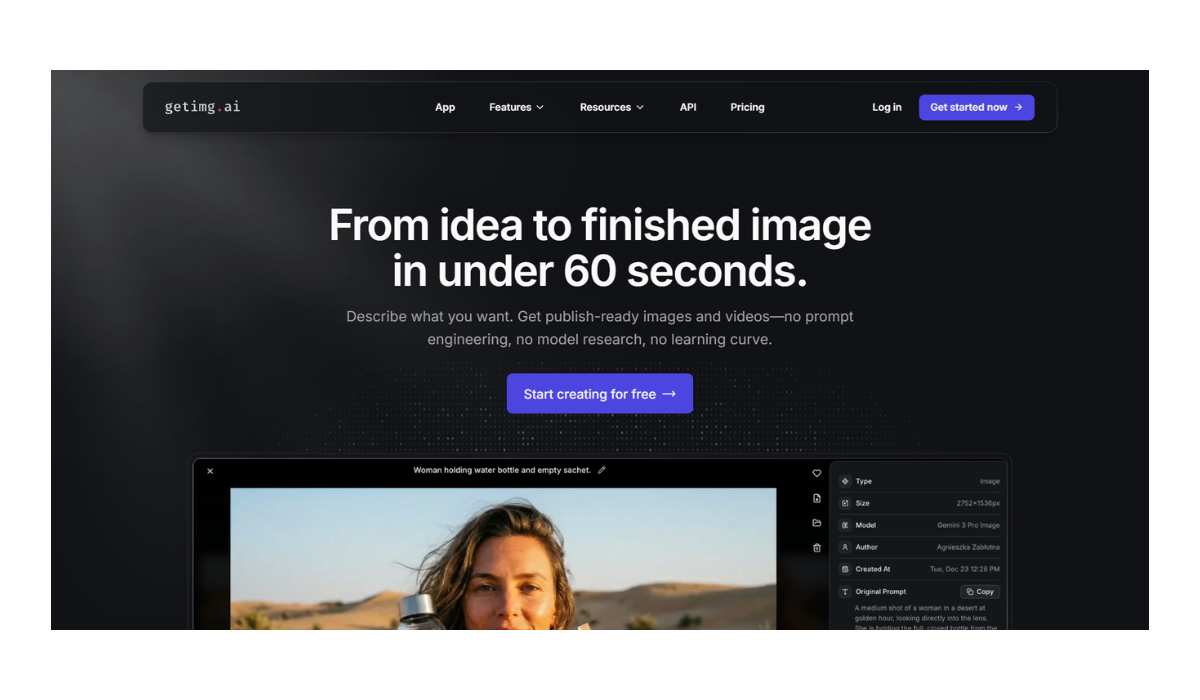
Getlmg.AI
GetImg.ai (likely the service you are referring to, despite the typo “Getlmg.ai”) is a comprehensive, web-based AI suite designed for generating, editing, and training custom AI image models.
It distinguishes itself from competitors like Midjourney or DALL-E by offering an “all-in-one” workspace that combines generation with powerful editing tools (like a boundless canvas) and the ability to train your own AI models on specific faces or styles.
Core Capabilities
-
Massive Model Library: Unlike platforms locked to a single model, GetImg gives you access to 60+ AI models. This includes various versions of Stable Diffusion, FLUX, and specialized styles (anime, photorealism, architecture).
-
AI Generator: A standard text-to-image generator where you can create images from prompts. It supports “ControlNet,” allowing you to upload a reference image to guide the structure (e.g., uploading a sketch and having the AI turn it into a finished painting).
-
AI Canvas (The Editor): This is one of its strongest features. It is an infinite workspace where you can:
-
Outpaint: Expand an image beyond its original borders.
-
Inpaint: Highlight a specific part of an image (like a shirt or a background object) and type a prompt to change just that area.
-
-
DreamBooth (Custom Training): You can upload 10–20 photos of a specific person, pet, or product, and “train” the AI to understand that subject. You can then generate new images of that specific subject in any scenario.
-
Image-to-Video: Recently added features allow you to animate static images into short 4-second video clips.
-
Real-Time Generation: A newer feature that generates images instantly as you type, allowing for rapid iteration.
Pricing Structure
GetImg operates on a “credit” system. Every action (generating an image, training a model) costs a certain number of credits.
| Plan | Price (Monthly) | Monthly Credits | Key Features |
| Free | $0 | 100 | Good for testing. Includes access to basic models. |
| Basic | $12 | 3,000 | Unlocks hi-res generations and faster processing. |
| Starter | $29 | 12,000 | Adds priority support and more simultaneous generations. |
| Hobby | $49 | 24,000 | Designed for heavy users or those training many custom models. |
| Pro | $99 | 60,000 | For power users and commercial scale. |
(Note: Annual subscriptions usually offer a ~20% discount.)
Pros & Cons
| Pros | Cons |
| Versatile: One of the few places you can generate and edit (fix hands, change backgrounds) in the same workflow. | Credit System: Can be confusing; complex generations (high res + fancy steps) burn credits faster than simple ones. |
| Custom Models: The easiest way for non-coders to train their own AI models (e.g., of their own face). | Quality Variance: Since it hosts many open-source models, some are lower quality than others. You have to find the “good” ones (like FLUX or Realistic Vision). |
| Fast: Generally generates images much faster than Midjourney. | Learning Curve: The interface has many sliders and settings (guidance scale, steps, seeds) that can overwhelm beginners. |
Who is it for?
-
Designers who need to edit AI images (fix artifacts, expand backgrounds) rather than just generating random ones.
-
Marketers who need to train a model on their specific product or brand assets.
-
Hobbyists who want to experiment with Stable Diffusion tools without installing complex software on their own computer.
- Pricing Model: FREE