
Dream AI
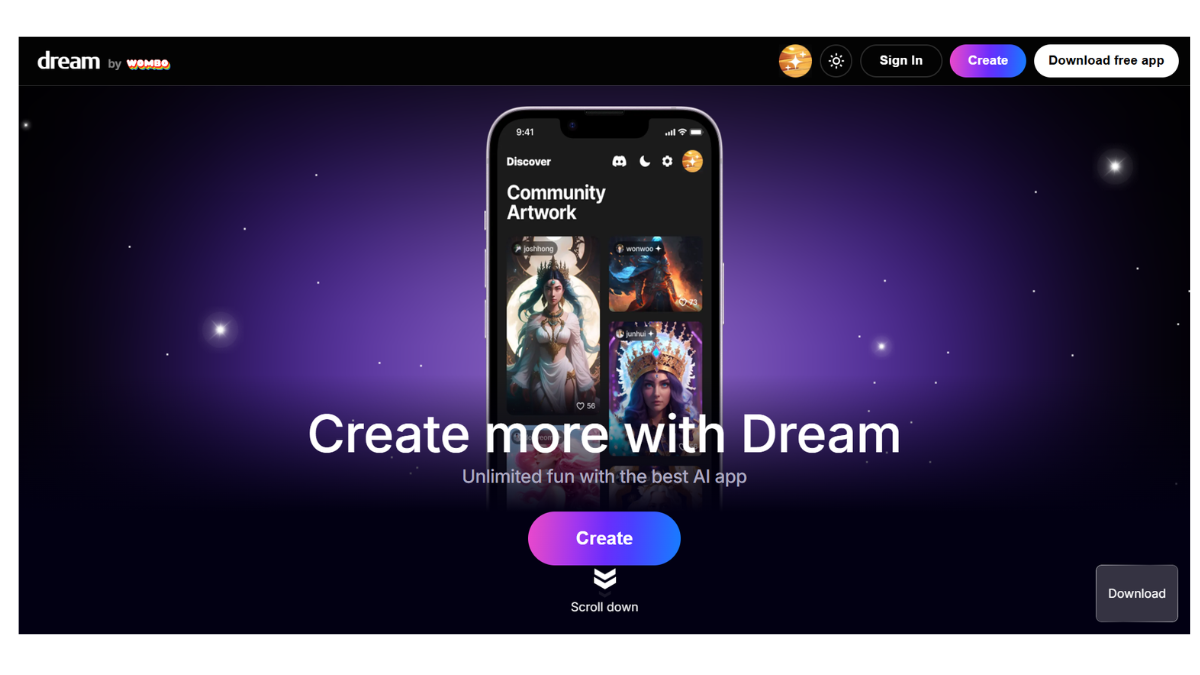
Dream by WOMBO (often just called “Dream”) is one of the most popular and accessible AI art generators available today. It is a tool that transforms text prompts into digital artwork using artificial intelligence.
Developed by the Canadian company WOMBO Studios Inc., it is widely recognized for its ease of use, making AI art generation accessible to casual users via mobile apps (iOS/Android) and the web.
Here is a detailed breakdown of the tool:
1. How It Works
Dream by WOMBO works on a “Text-to-Image” generative model.
-
The Process: You type a text description (a “prompt”) of what you want to see (e.g., “A futuristic city in the clouds”).
-
Style Selection: You choose an art style from a preset list (e.g., “Steampunk,” “Ghibli,” “Realistic,” “Etching”).
-
Generation: The AI interprets your text through the lens of that specific style and generates a unique image in seconds.
-
Technology: Originally, it relied heavily on VQGAN+CLIP models (which pair image generation with text understanding). Newer versions have integrated more advanced models (like Stable Diffusion XL) to improve coherence and realism.
2. Key Features
-
Art Styles: This is Dream’s signature feature. Unlike some advanced tools that require complex prompt engineering to get a specific look, Dream offers one-click styles (e.g., Spectral, Comic, HDR, Analogue, Painting).
-
Image Input (Image-to-Image): You can upload an existing photo from your gallery to use as a reference. The AI will use the structure of your photo but apply the text prompt and art style to it (e.g., turning a selfie into a superhero sketch).
-
Community Feed: The app has a built-in social feed where you can view, like, and “remix” art created by other users.
-
Edit with Text: A feature that allows you to refine an image by typing changes (e.g., “make the sky purple”), though availability and performance of this specific feature can vary by update.
3. Pricing & Membership
Dream operates on a Freemium model.
| Feature | Free Version | Premium (Dream Premium) |
| Generations | 1 image at a time | 4 images generated simultaneously |
| Speed | Standard | Faster generation |
| Styles | Access to basic styles (~40+) | Access to all Premium styles (exclusive) |
| Ads | Contains ads | Ad-free experience |
| Editing | Limited | Advanced variations and editing tools |
| Video | Standard | Option to save generation process videos |
-
Cost: Pricing fluctuates but typically hovers around $9.99/month, $89.99/year, or a Lifetime purchase option (~$169.99).
4. Pros and Cons
| Pros | Cons |
| Extremely User-Friendly: Zero technical knowledge required; very “pick-up-and-play.” | Less Control: You have fewer technical controls (like aspect ratio tweaking or negative prompts) compared to Midjourney or Stable Diffusion. |
| Fast: Generates images in seconds on mobile devices. | Ads: The free version has frequent ads that can break the flow. |
| Strong Stylization: Great for abstract, artistic, and fantasy concepts. | Inconsistency: Faces and hands can sometimes be distorted (a common issue in AI, though Dream is improving). |
| Cross-Platform: Works seamlessly on both mobile apps and web browsers. | Resolution: High-resolution downloads often require a subscription. |
5. Who is it For?
-
Casual Creators: People who want to make cool wallpapers, profile pictures, or memes without learning complex software.
-
Concept Artists/Writers: Useful for quickly visualizing a scene, character, or mood for a story or game before committing to final art.
-
Social Media Users: Ideal for creating unique, eye-catching visuals for Instagram or TikTok.
6. Company Context
WOMBO Studios is based in Toronto, Canada. Before Dream, they went viral for the “WOMBO” lip-sync app, which animated static photos to sing songs. This history of “viral consumer AI” explains why Dream is designed to be so catchy, fast, and shareable compared to professional-grade tools.
How to get the best results (Tip)
Since Dream relies heavily on its Art Styles, the secret to a good image is pairing the right prompt with the right style.
-
Prompt: “A lonely cabin in the woods during winter”
-
Bad Style Match: “Vaporwave” (Might look clashing and neon)
-
Good Style Match: “Ukiyoe” (Japanese woodblock style) or “Mystical”
- Pricing Model: FREE