
Canva AI
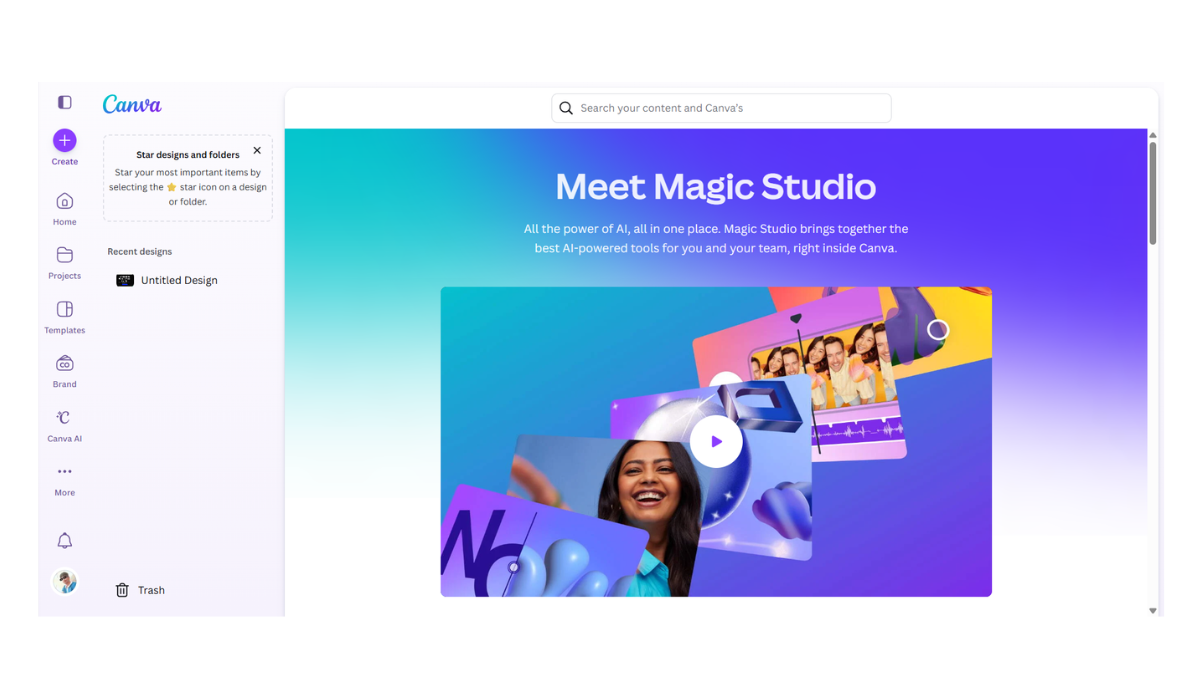
Canva AI, officially known as Magic Studio, is different from the other tools you asked about. While Deep Dream and OpenArt are “pure” art generators, Canva is a complete Design Ecosystem.
Its goal isn’t just to generate an image, but to help you put that image immediately into a poster, social media post, or presentation. It aggregates several AI models (like Stable Diffusion, OpenAI, and Runway) into one easy-to-use interface.
Here are the details:
1. Core Features (Magic Studio)
Canva’s AI is split into several “Magic” tools:
-
Magic Media (Text-to-Image & Video):
-
Images: You type a prompt, and it generates art. It creates 4 variations at a time. It is powered by a mix of models (including Stable Diffusion).
-
Videos: Powered by Runway Gen-2, this lets you type a prompt to generate a short (4-second) video clip.
-
-
Magic Edit: This is a “Generative Fill” tool. You brush over an object (e.g., a red apple) and type “green pear,” and the AI seamlessly replaces it while keeping the lighting correct.
-
Magic Grab: This separates the subject of a photo from its background. You can then click and drag a person around a photo as if they were a sticker, or remove them entirely.
-
Magic Expand: If your photo is too small or zoomed in, this draws new scenery outside the borders to fill the empty space (Outpainting).
-
Magic Switch: Instantly resizes a design (e.g., turns a YouTube thumbnail into an Instagram Story) and can automatically translate all the text in your design into another language.
2. The App Marketplace (Aggregator)
A unique feature of Canva is that it allows you to use competitor AI models directly inside Canva. You can find these in the “Apps” section on the left sidebar:
-
DALL-E 3 (by OpenAI): Available directly within Canva.
-
Imagen (by Google): Google’s high-fidelity photorealistic model.
-
D-ID: Generates talking avatars (videos of people speaking your text).
3. Pricing & Credits
Canva operates on a “Freemium” model.
-
Canva Free:
-
You get a limited number of “Magic Media” credits (usually 50 lifetime credits for free users, though this sometimes resets daily depending on the region).
-
You generally cannot use the advanced tools like Magic Grab or Magic Expand (these are Pro locked).
-
-
Canva Pro (~$15/month):
-
500 Credits/month for Magic Media.
-
Unlimited access to Magic Edit, Magic Grab, Background Remover, and Magic Switch.
-
4. Comparison Summary
| Feature | OpenArt / Deep Dream | Canva Magic Studio |
| Primary Goal | Generate raw Art/Images | Create Finished Designs (Flyers, Posts) |
| Ease of Use | Moderate (Requires prompting skills) | Very Easy (One-click tools) |
| Editing | Complex (Inpainting/ControlNet) | Simple (Magic Eraser/Grab) |
| Text on Image | Often bad/garbled | Perfect (Since you add text via Canva layers) |
5. Pros and Cons
-
Pros:
-
Workflow: You generate an image and instantly put it on a flyer. No need to download/upload between sites.
-
The “Magic Grab” feature: This is one of the best and easiest implementation of object separation on the market.
-
Safe: The AI filters are strict, making it safe for work and school environments.
-
-
Cons:
-
Less “Artistic” Control: You cannot control parameters like “Steps,” “Guidance Scale,” or “Seed” like you can in OpenArt.
-
Strict Censorship: It will refuse to generate many prompts that are slightly edgy or violent, which can be frustrating for fantasy artists.
-
- Pricing Model: FREE