
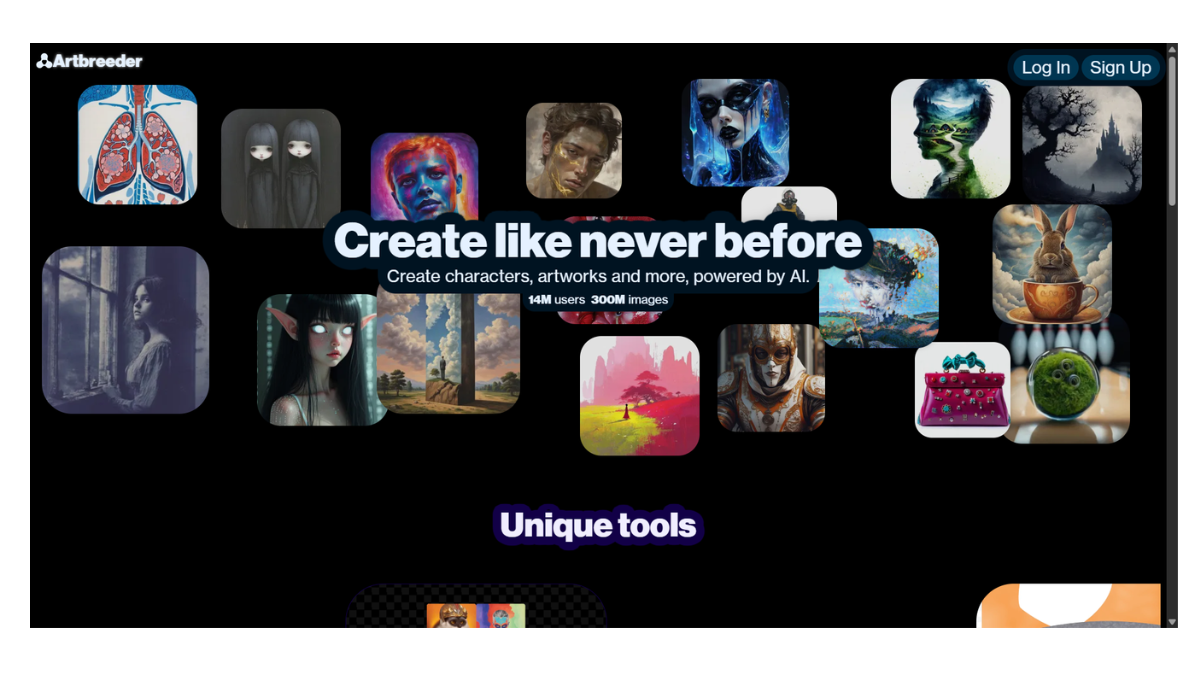
Artbreeder AI
Artbreeder AI is a web-based creative tool that differs significantly from standard text-to-image generators like Midjourney or DALL-E. Instead of just typing a prompt to get an image, Artbreeder focuses on collaboration and evolution.
Its core mechanic is “breeding” images: you take two or more “parent” images and merge them to create “children,” or you manipulate specific “genes” (sliders) to alter traits like age, gender, or artistic style.
1. Core Tools & Features
Artbreeder has expanded into a suite of different tools, each serving a specific purpose:
-
Splicer (The Classic Tool): This is what Artbreeder is famous for. You can “splice” (mix) multiple images together or use sliders to edit specific traits.
-
Portraits: Create highly realistic faces. You can adjust sliders for “genes” like Age, Gender, Happiness, Width, Eye Color, and Art Style.
-
Landscapes & Sci-Fi: Blend different terrains or architectural styles.
-
Splicer 2: A newer, tree-based interface that lets you visualize the “lineage” of your image branching out, making it easier to track variations.
-
-
Collager: A more hands-on tool for composition. You paste images, simple shapes, and text onto a canvas. The AI then “dreams” over your collage to render it into a cohesive, high-quality illustration. This gives you control over composition (where things are) that standard prompting often lacks.
-
Mixer: A simplified tool to blend images and text prompts together quickly.
-
Prompter: A standard text-to-image interface (similar to Stable Diffusion) for users who want to generate art from scratch using descriptions.
-
Tuner: Allows for fine-tuning images, offering more control over the specific “genes” and style influence.
-
Animator: A newer feature that turns static images into videos or generates animations, sometimes with audio reactivity.
2. How It Works: The “Gene” System
Unlike other AIs where you might struggle with a prompt to “make the character slightly happier,” Artbreeder uses Sliders (Genes).
-
Gene Editing: If you have a portrait, you don’t need to re-roll the image. You simply drag the “Smile” slider up. The AI modifies the existing image to match that trait while keeping the character’s identity mostly intact.
-
Crossbreeding: You can upload a photo of yourself and mix it with a painting of a medieval knight. The AI will attempt to find a middle ground, creating a “child” that looks like you but in that painted style.
3. Pricing & Tiers
Artbreeder operates on a Freemium credit-based model.
| Tier | Approximate Cost | Key Benefits |
| Free | $0 | Limited credits per month. Good for casual experimentation. Creations are Public (anyone can see and use them). |
| Starter | ~$8.99/mo | ~100 credits/mo. Unlocks Private Mode (keep images hidden). Faster rendering. |
| Advanced | ~$18.99/mo | ~275 credits/mo. More private uploads and higher resolution downloads. |
| Champion | ~$30.99/mo | ~700 credits/mo. Heavy usage tier. |
Note: Pricing and credit amounts are subject to change. Credits are used for actions like high-resolution downloads, private uploads, and using advanced generation models.
4. Best Use Cases
-
Character Design (RPGs/D&D): It is widely considered the best free tool for creating consistent character portraits for tabletop games or novels because you can “age up” a character or change their expression without losing their face.
-
Historical Reconstruction: Users often take statues or old paintings of historical figures and “modernize” them to see what they might have looked like as real people.
-
Concept Art: Quickly generating variations of landscapes or architectural styles by mixing different biomes (e.g., mixing a “Cyberpunk City” with a “Forest” image).
5. Unique Constraint: The “Lineage”
One of the most fascinating social aspects of Artbreeder is that it tracks Ancestry.
-
If you make an image public, someone else can take it and “breed” it.
-
You can click on any image to see its “Parents” (what images were mixed to make it) and its “Children” (what other users created using it).
-
This creates a massive, collaborative evolutionary tree of art
- Pricing Model: FREE