
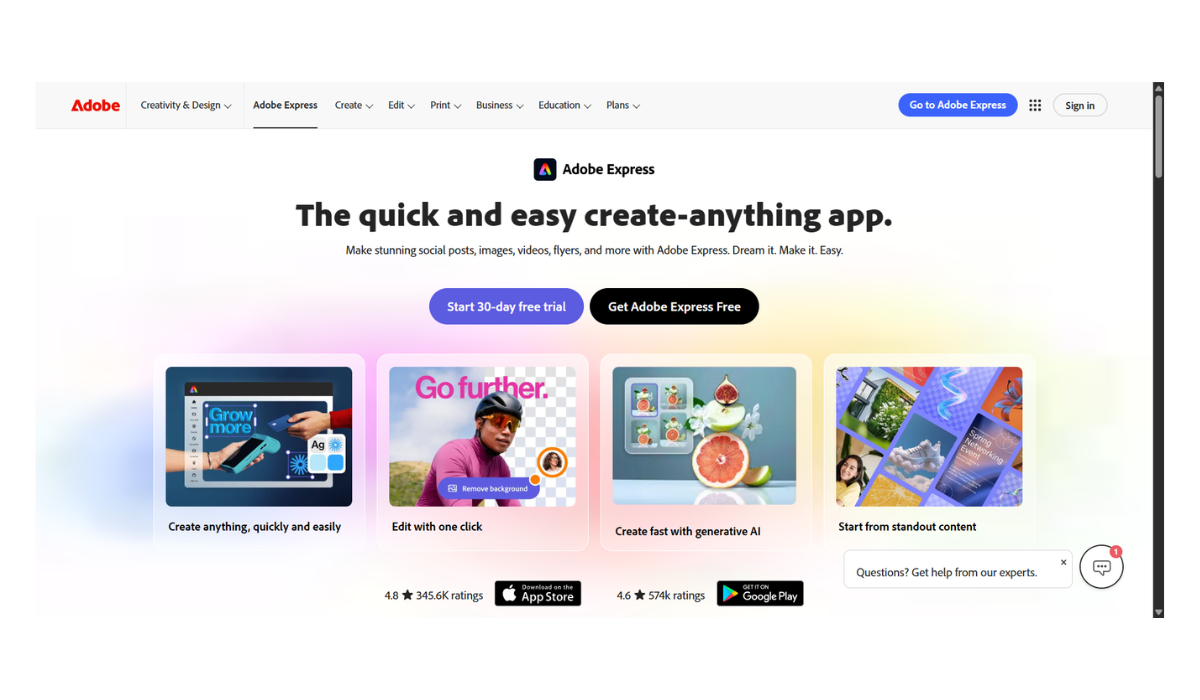
Adobe Express AI
Adobe Express AI is essentially a powerhouse, all-in-one design and video app built for speed and ease. It takes the heavy-lifting capabilities of Adobe’s professional tools (like Photoshop and Premiere) and makes them incredibly accessible using generative AI, primarily powered by Adobe Firefly.
It’s designed for social media creators, small business owners, marketers, and non-designers who need to churn out high-quality content without a steep learning curve.
Here is a breakdown of the core AI features and the latest capabilities inside Adobe Express:
The Core AI Tools
-
Generate Template: Instead of scrolling through thousands of templates, you can type what you need (e.g., “A modern, minimalist flyer for a weekend bake sale”) and the AI will generate a fully editable, layered template for you to start from.
-
Generate Image (Text-to-Image): Type a description and the AI generates custom, commercially safe images.
-
Generative Fill (Insert & Remove Object): Just like in Photoshop, you can highlight a section of a photo and type a prompt to seamlessly insert an object, or quickly brush over photobombers and distractions to erase them as if they were never there.
-
Generate Video: You can turn text prompts or still images into dynamic video clips, or use AI to add seamless cinematic transitions to your timeline.
-
Generate Text Effects: You can apply wild textures and styles to your typography just by describing them (e.g., “letters made of melting chocolate” or “fluffy pink clouds”).
-
Generate Similar: If you create a design or image you really like, you can ask the AI to generate new variations inspired by that specific style.
Smart Workflow & Quick Actions
-
AI Video Auto-Captions: It automatically listens to your video audio and generates styled, editable subtitles to boost social media engagement.
-
One-Click Background Removal: Instantly strips the background from images or videos.
-
Smart Resize: If you design a horizontal YouTube thumbnail, the AI can instantly reorganize and resize the layout to perfectly fit a vertical TikTok or Instagram Reel.
-
AI Rewrite & Translation: Built-in AI helps you brainstorm copy, rewrite text for different tones, or instantly translate your content into multiple languages.
Latest 2025/2026 Updates
Adobe has recently rolled out some massive upgrades to Express to make it even more competitive:
-
The AI Assistant: A conversational “agent” built into the app. Instead of hunting for buttons, you can just chat with the assistant and tell it to “change the color scheme to neon cyber-punk,” “make the text pop more,” or “resize this for a Facebook Ad,” and it will execute the edits for you.
-
Third-Party AI Models: You are no longer locked only into Adobe Firefly. Express now lets you generate images using partner models, including OpenAI, Flux, and Google Gemini, giving you a wider variety of artistic styles directly in the app.
-
Generate Presentation (Docs to Decks): You can now feed the AI a prompt or a text document, and it will automatically generate a structured, multi-slide presentation draft that you can then tweak.
-
Express for Ads: Built-in integrations and “safe zones” for creating ads that comply perfectly with TikTok, LinkedIn, Amazon, and Google formats.
It’s essentially a playground that removes the “blank canvas syndrome” and does the tedious technical work for you.
Adobe uses a “freemium” model. The app itself is accessible for free, but the heavy-hitting AI tools operate on a Generative Credit system. Every time you ask the AI to generate an image, edit a video, or apply a text effect, it costs you credits.
Here is how the pricing and features stack up across all available plans.
Pricing Tiers at a Glance
| Plan | Price | Storage | AI Generative Credits | Best For |
| Free | $0 / month | 5 GB | 25 / month | Casual users testing the waters. |
| Premium | $9.99 / mo (or $99.99/yr) | 100 GB | 250 / month | Solo creators, freelancers, and small businesses. |
| Teams | $9.99 / user / mo* | 100 GB / user | 250+ / user / month | Marketing teams and agencies needing brand control. |
| Enterprise | Custom Pricing | 1 TB / user | Custom Allocation | Large corporations with strict compliance/IP needs. |
Note: If you already pay for a comprehensive Adobe Creative Cloud subscription (like the “All Apps” plan or specific single-app plans), Adobe Express Premium is usually included for free.
Detailed Feature Breakdown
1. Adobe Express Free ($0)
This tier is highly capable for basic needs, but you will hit a wall quickly if you rely heavily on AI.
-
AI Features: You get 25 Generative Credits per month. This is enough to generate a few images or templates, but it goes fast. You do not get access to premium AI video tools.
-
Assets: Access to thousands of free templates, standard fonts, and a limited pool of royalty-free Adobe Stock images.
-
Limitations: Premium templates and assets will have a watermark. You also cannot save custom Brand Kits (logos, color palettes).
2. Adobe Express Premium ($9.99/month)
This is the sweet spot for most independent creators and removes all the friction from the free tier.
-
AI Features: Bumps you up to 250 Generative Credits per month. It also unlocks unlimited access to standard image tools (like Generative Fill), premium Text-to-Video generation, AI language translation, and sound effect generation. You also get access to third-party AI models (like Google, OpenAI, and Flux) directly inside the app.
-
Assets: Unlocks the entire library of 200 million+ Adobe Stock photos, videos, and music tracks without watermarks.
-
Branding: Allows you to upload custom logos, fonts, and color palettes so you can apply your brand identity to any template in one click.
-
Bonus: Includes full access to Adobe Photoshop on the web and mobile.
3. Adobe Express Teams (Starts at $9.99/user/month)
Keep in mind: Teams plans require a minimum of two users and a 12-month commitment. Adobe often runs first-year introductory promos around $4.99 to $7.99/user.
-
AI Features: Same credit pools as Premium, but geared toward scaled creation.
-
Collaboration: The real value here is admin control. You can lock specific elements in templates so your team can’t accidentally change the brand font or mess up the logo placement. It includes co-editing, real-time commenting, and shared brand libraries.
4. The “Firefly Pro” Upgrade ($19.99/month)
If you are a heavy AI user—especially if you generate a lot of AI video (which consumes credits much faster than static images)—250 credits won’t be enough.
-
Adobe offers a Firefly Pro tier that upgrades your AI allowance to 4,000 Generative Credits per month, ensuring you rarely hit a bottleneck during heavy content-creation months.
The “Hidden” Costs to Watch Out For
-
Video Credit Burn: Generating a 30-second AI video can burn through credits incredibly fast (sometimes up to 10 credits per second). If you are primarily making AI video content, you will almost certainly need the $19.99/mo Firefly Pro upgrade.
-
Solo Users on Teams: Because the Teams plan has a 2-seat minimum, an individual wanting access to advanced brand-locking features will actually have to pay about $20/month.
- Pricing Model: FREE