
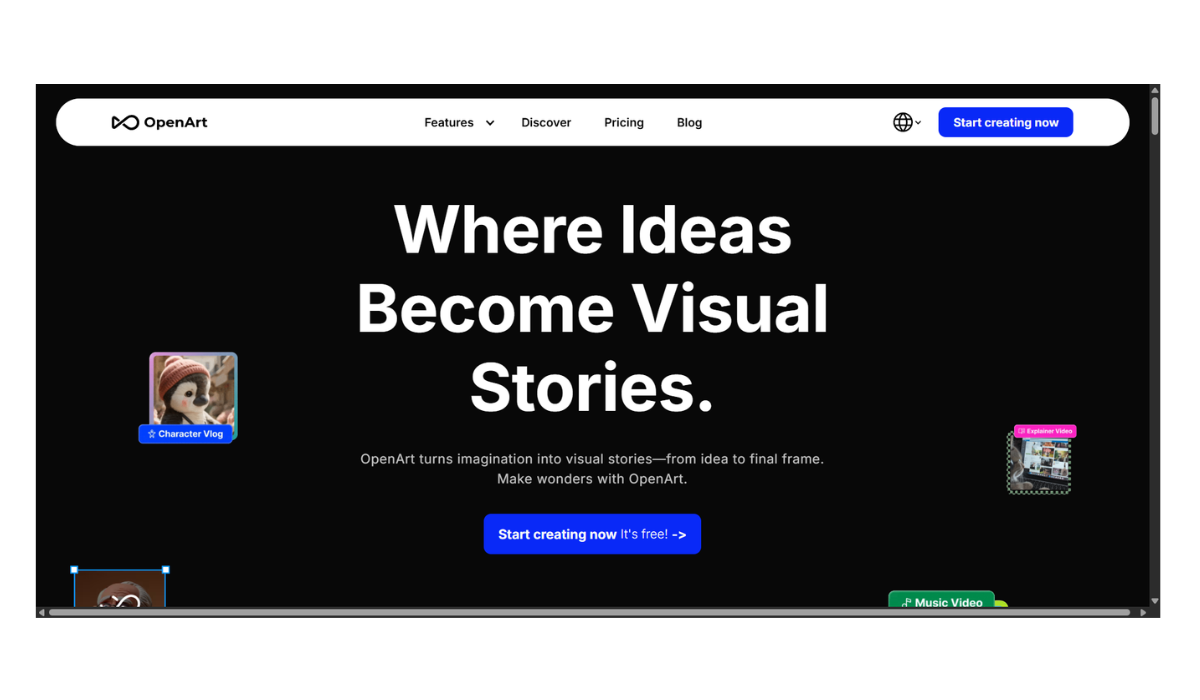
OpenArt.AI
OpenArt.ai is currently one of the most versatile “power user” platforms. While Deep Dream Generator focuses on artistic/abstract styles and Neural.love focuses on fixing/restoring media, OpenArt is designed for precise control and character consistency.
It started as a search engine for AI art (aggregating millions of images) but has evolved into a full creation suite that bridges the gap between simple apps and complex professional software.
1. Core Features (The “Control” Suite)
OpenArt excels at giving you control over exactly what the AI generates, rather than just hoping for a lucky result from a text prompt.
-
Model Aggregation: Instead of relying on just one AI brain, OpenArt lets you use many. You can choose from 100+ models, including various versions of Stable Diffusion (SDXL, SD 1.5) and Flux.
-
ControlNet: This is its “killer feature.” It allows you to upload a reference image to define the structure of the output.
-
Example: Upload a stick-figure drawing of a person dancing, and the AI will generate a photorealistic person in exactly that pose.
-
-
Consistent Characters: A major problem with AI is that if you generate “a girl” twice, she looks different each time. OpenArt has tools specifically designed to keep a character’s face and clothes consistent across different images (great for comic books or storyboards).
-
Custom Model Training: You can upload 10-20 photos of yourself, your pet, or a specific product, and “train” the AI to understand that specific subject.
2. Video & Editing Tools
-
One-Click Story: A newer feature where the AI attempts to generate a short video narrative based on a script.
-
Inpainting/Outpainting: You can highlight a specific part of an image to change just that area (e.g., “change the sunglasses to reading glasses”) or expand the image beyond its original borders.
3. Pricing & Credits
OpenArt uses a credit system with a subscription model.
-
Free Tier: It is known for being generous to free users. You typically get a daily allowance of credits (often ~50 credits/day) that lets you generate standard images for free.
-
Paid Plans:
-
Starter: ~$7/month (4,000 credits/month).
-
Hobbyist: ~$14.50/month (12,000 credits/month).
-
Pro: ~$28/month (24,000 credits/month).
-
-
Important Note: Unlike some other platforms, paid credits on OpenArt generally do not roll over to the next month. If you don’t use them, you lose them.
4. Comparison Summary
| Feature | Deep Dream Generator | Neural.love | OpenArt.ai |
| Best For… | Abstract Art & Fun | Restoration (Fixing bad video/photo) | Precise Control & Characters |
| Control | Low (Random/Artistic) | N/A (Enhancement only) | High (ControlNet, Posing) |
| Custom Training | No | Yes (Avatars) | Yes (Detailed LoRA training) |
| Difficulty | Easy | Very Easy | Medium/Hard (Steeper learning curve) |
5. Pros and Cons
-
Pros:
-
Best for Storytellers: The character consistency tools are excellent for graphic novels.
-
Huge Library: You can search millions of other users’ images to copy their prompts.
-
Generous Free Trial: You can do a lot without paying.
-
-
Cons:
-
Complex UI: There are many buttons and sliders (Guidance Scale, Steps, Samplers) which can be overwhelming for beginners.
-
Use-it-or-lose-it Credits: The monthly credit expiration is a common complaint.
-
- Pricing Model: FREE