
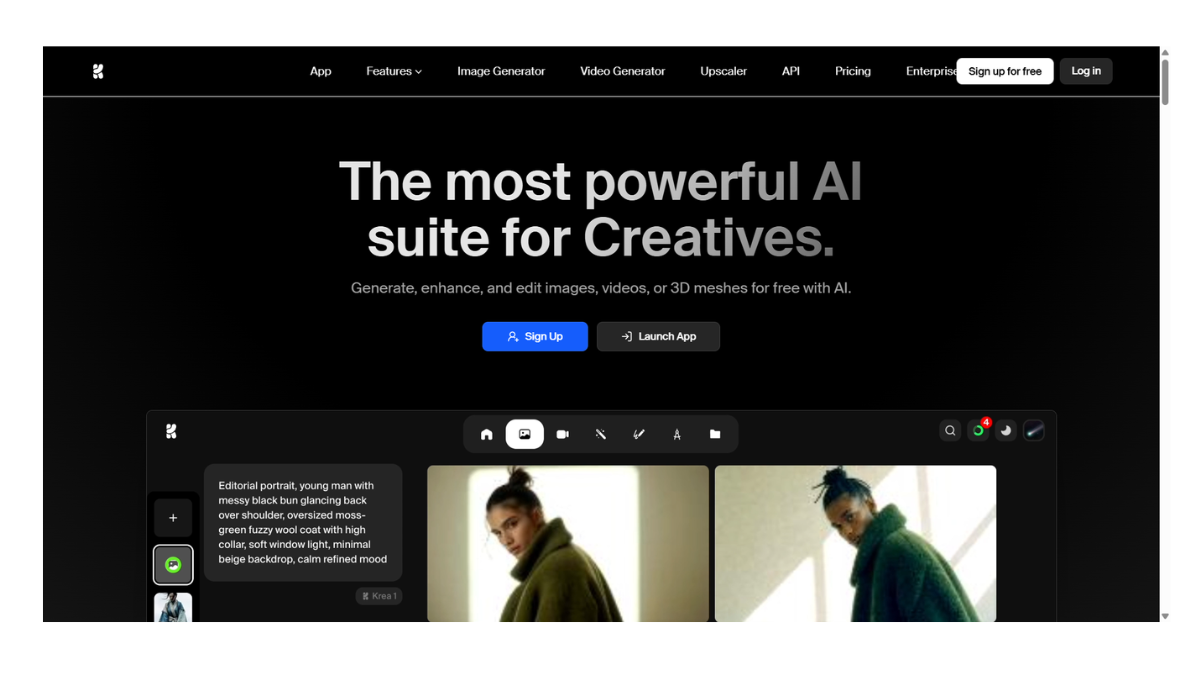
Krea.AI
Krea.AI is a generative AI platform designed specifically for real-time visualization and high-fidelity image enhancement. Unlike tools like Midjourney or DALL-E, which operate on a “prompt-and-wait” basis, Krea focuses on speed and interactivity, allowing you to see changes instantly as you draw or type.
It is widely used by designers, photographers, and artists who need precise control over composition rather than just random generation.
Core Features & Tools
1. Real-Time Generation (The Canvas)
This is Krea’s flagship feature. It provides a split-screen interface:
-
Interactive Input: You can draw rough shapes on a canvas, move objects, or even feed in your webcam or screen share.
-
Instant Output: The AI generates a polished image on the right side in milliseconds, updating constantly as you move your brush or change the text prompt.
-
Use Case: Rapid concepting, mood boarding, and controlling specific compositions (e.g., forcing a building to be on the left side by drawing a gray box there).
2. AI Enhancer & Upscaler
Krea is famous for its “Generative Upscaler.”
-
Beyond Sharpening: Unlike traditional upscalers that just sharpen pixels, Krea’s AI “hallucinates” new details. It analyzes what the texture should look like (e.g., skin pores, fabric weave) and generates new pixels to match.
-
Resolution: It can upscale images to 4K (and up to 22K on the highest tier), making it a go-to tool for fixing low-res AI images or blurry photos for print.
3. Video Generation
Krea acts as a hub for various top-tier video models, including its own.
-
Keyframe Control: You can set a start image and an end image, and the AI will generate the video transition between them.
-
Model Access: It provides access to multiple video models (like Kling, Veo, and its own internal models) within one interface.
-
Real-Time Video: A newer feature allows for interactive video generation where motion and style are consistent as you tweak inputs.
4. Pattern & Logo Illusions
-
Patterns: Generates seamless, tileable textures for 3D modeling or graphic design (e.g., “seamless gold art deco pattern”).
-
Logo Illusions: A specialized tool that hides logos or text within scenic images (e.g., a mountain range that subliminally spells “NIKE”).
Pricing Tiers
Krea operates on a “freemium” model using a credit system (Compute Units).
| Tier | Approx. Cost | Key Benefits |
| Free | $0/mo | Daily limit on generations (~50 images/10 videos per day). Good for testing. |
| Basic | ~$10/mo | Commercial license, ~5,000 monthly credits, standard speed. |
| Pro | ~$30–35/mo | Most Popular. Unlimited image generations (relaxed mode), access to all video models, faster “Pro” GPU access, private mode (images aren’t public). |
| Max | ~$60+/mo | Highest priority, huge credit allowance (60k+), up to 22K upscaling resolution. |
Comparison: Krea.AI vs. Others
-
Vs. Midjourney: Midjourney often has higher artistic “style” out of the box but offers zero control over composition (it’s random). Krea allows you to draw exactly where you want the subject to be.
-
Vs. Photoshop (Generative Fill): Photoshop is better for small edits (removing a person). Krea is better for generating entire scenes or radically transforming a sketch into a photo.
- Pricing Model: FREE