
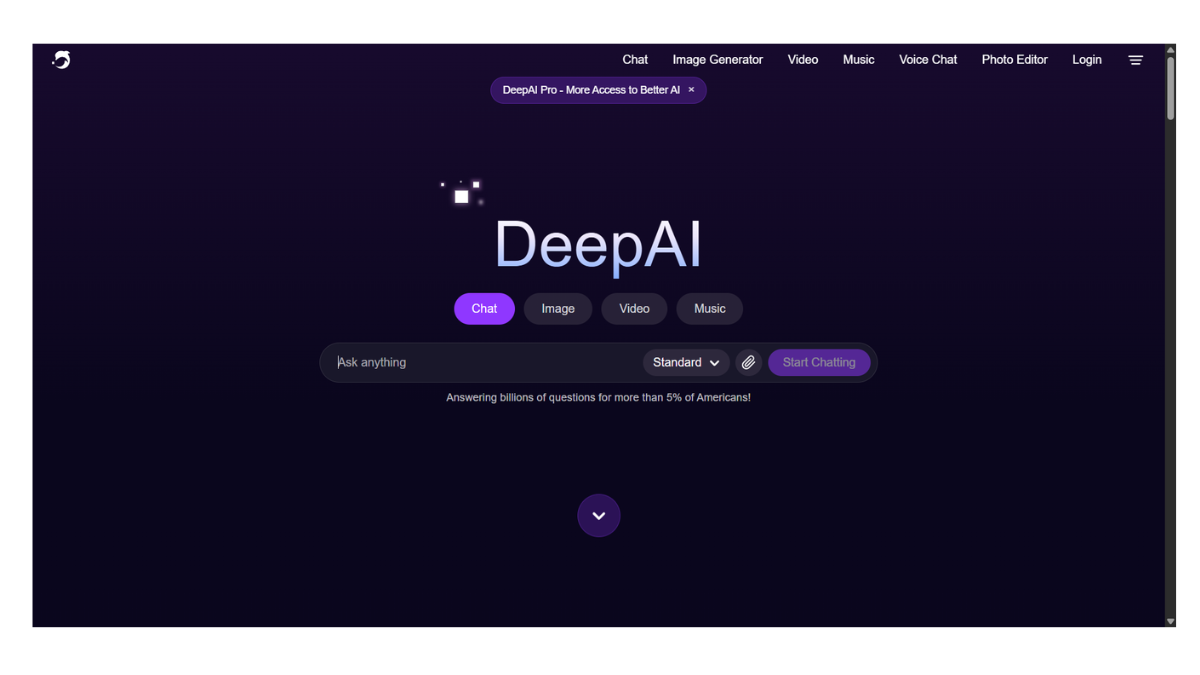
DeepAI
DeepAI is a versatile, “Swiss Army Knife” platform for artificial intelligence. While Artbreeder focuses heavily on artistic collaboration and evolution, DeepAI focuses on accessibility and developer integration. It offers a wide range of raw AI tools—from text generation to image creation—often with fewer guardrails and a simpler interface than its competitors.
Here are the details broken down by features, pricing, and use cases.
1. Core Tools & Features
DeepAI splits its focus between consumer tools (for regular people) and developer tools (APIs).
-
AI Image Generator (Text-to-Image):
-
How it works: Similar to DALL-E or Midjourney, you type a prompt, and it generates an image.
-
Style Options: It offers selectable styles like “Cyberpunk,” “Renaissance,” or “Abstract” so you don’t have to engineer complex prompts.
-
Quality: It is generally considered “fast-food” AI—quick, cheap, and functional, but rarely as artistically coherent as Midjourney or as realistic as Stable Diffusion XL.
-
-
AI Chat (Text Generation):
-
A chatbot alternative to ChatGPT. It offers different “modes” or “characters,” such as a debate partner, a comedian, or a relationship coach.
-
-
Image Editor Tools:
-
Colorizer: Turns black-and-white photos into color (great for old family photos).
-
Zootroph (Image Animator): Adds simple motion to static images.
-
Super Resolution: Upscales blurry or small images to make them crisp.
-
-
Video Generator:
-
Capable of creating short video clips from text prompts, though this technology is still experimental and often results in surreal/dream-like motion.
-
2. Pricing & Tiers
DeepAI is known for being one of the most affordable options on the market.
| Tier | Cost | Key Benefits |
| Free | $0 | Unlimited standard image generation (with ads). Images are public. Slower speeds. |
| DeepAI Pro | ~$4.99/mo | 500 high-quality image calls/month. Private image generation (images aren’t shown in the public feed). Ad-free experience. |
| Pay-As-You-Go | $5 packs | Buy credits for specific API usage or extra generation calls without a monthly subscription. |
3. The “API” Factor (Developer Focus)
Unlike Artbreeder, which is a design tool, DeepAI is heavily used by programmers.
-
API Access: If you are building an app and want to include a feature that says “Generate a funny picture for this user,” you can plug DeepAI’s code into your app very easily.
-
Content Policy: DeepAI historically has looser content filters than OpenAI (DALL-E) or Google, making it a popular choice for developers who want less restrictive text/image generation.
4. Pros & Cons
| Pros | Cons |
| Simple Interface: No complex sliders; just a text box and a “Generate” button. | Inconsistent Quality: Faces can sometimes look distorted compared to newer models. |
| Price: Very cheap compared to Midjourney ($10+) or ChatGPT Plus ($20). | Less Control: You cannot “breed” or fine-tune specific genes like in Artbreeder. |
| API: Excellent for coders building their own tools. | Public by Default: Free users’ creations appear in a public feed immediately. |
5. Best Use Cases
-
Quick Mockups: When you need a generic image of a “futuristic city” for a PowerPoint and don’t care about perfect artistic details.
-
Old Photo Restoration: Using the specific “Colorizer” tool to fix vintage photos.
-
App Development: If you are learning to code and want to build your own AI app, DeepAI is one of the easiest APIs to practice with.
- Pricing Model: FREE