
StarryAI
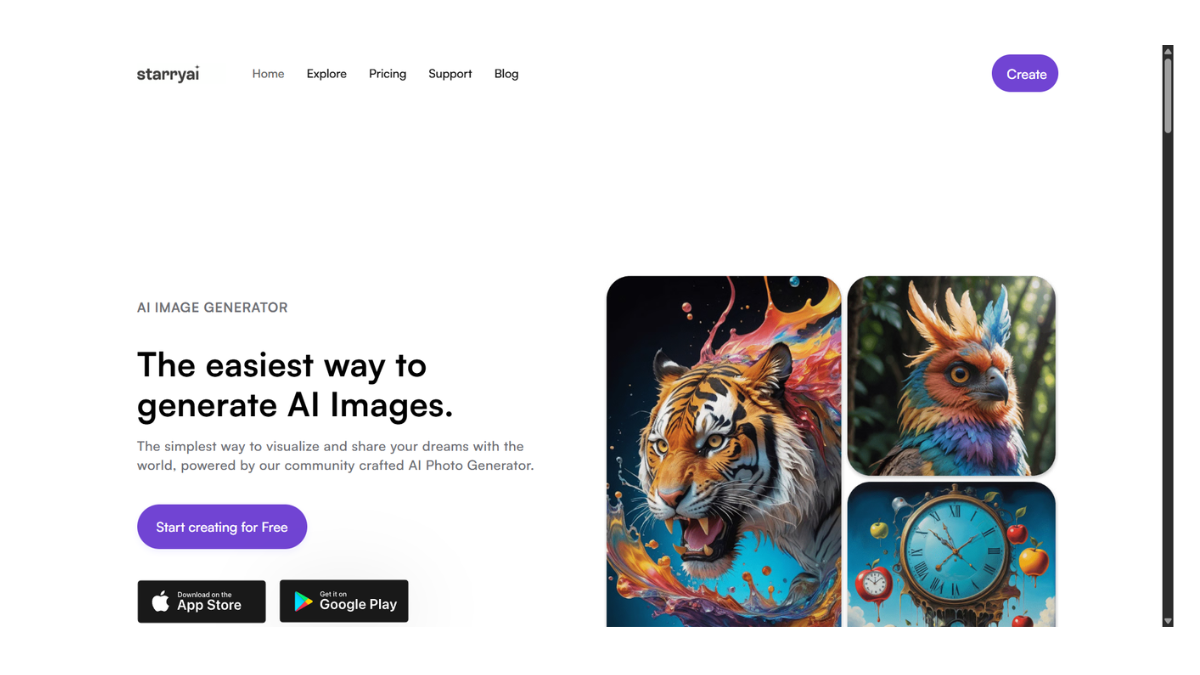
StarryAI is widely recognized as the “mobile-first” AI art generator. While it has a web interface, its biggest claim to fame is its highly polished, user-friendly app (iOS and Android) that makes generating art feel like a simple game rather than a complex technical tool.
Here are the specific details you need:
1. How It Works & Core Models
StarryAI simplifies the process by grouping its algorithms into distinct “styles” or “engines” so you don’t need to know technical jargon.
-
Altair (Abstract): Uses a model called VQGAN-CLIP. It creates dreamlike, abstract, and artistic images. It is less about “photorealism” and more about creative composition.
-
Orion (Coherent): Uses Diffusion technology (similar to Stable Diffusion). This is the engine you use for realistic photos, sharp illustrations, and images that need to strictly follow your prompt.
-
Flux/Phoenix: StarryAI often integrates newer models to stay competitive with high-end generators like Midjourney, offering better text rendering and lighting.
2. Key Features
-
Mobile-First Design: Unlike NightCafe (which is a web app), StarryAI has a native app that is incredibly smooth and intuitive.
-
“Magic Avatars”: A popular paid feature where you upload 10-20 selfies, and the AI trains a custom model to generate hundreds of portraits of you in different styles (superhero, anime, cyborg, etc.).
-
Evolve: Similar to NightCafe, you can take an image you created and “evolve” it to change the style or add new details while keeping the original structure.
-
Prompt Builder: If you don’t know what to type, the app has a built-in menu where you can just tap buttons like “Cyberpunk,” “Matte Painting,” or “Unreal Engine” to add style tags automatically.
3. The Credit System & Pricing
StarryAI creates a “Lumen” or credit ecosystem.
| Tier | Cost | Details |
| Free Tier | $0 | You get 5 free credits every day (roughly 20 images if you use standard settings). Unused free credits do not roll over to the next day. |
| Starter | ~$8.99/mo | 200 generations/month. Removes ads and watermarks. |
| Unlimited Pro | ~$31.99/mo | Unlimited slow generations. You get 3,000 “fast” credits, but once those run out, you can still generate indefinitely at a slower speed. |
-
Note: On the free tier, generating a standard set of 4 images costs 1 credit. Upscaling to high resolution costs additional credits.
4. Pros and Cons (vs. NightCafe)
Pros
-
Simplicity: It is much easier to use than NightCafe for total beginners. The interface is cleaner and less cluttered with settings.
-
Ownership: You have full commercial ownership of your images, even on the free tier.
-
Generous Free Tier: Getting ~20 images a day for free is one of the better deals in the market.
Cons
-
Less Control: You cannot tweak advanced settings (like “Clip Guidance,” “Seed,” or “Sampler”) as precisely as you can on NightCafe.
-
Slower: The generation time, especially for free users, can sometimes take 1-2 minutes per batch, which feels slow compared to newer “instant” generators.
-
Quality: While good, “Orion” sometimes struggles with hands and faces compared to NightCafe’s access to the newest SDXL models.
5. Direct Comparison: NightCafe vs. StarryAI
| Feature | NightCafe | StarryAI |
| Best Platform | Desktop / Web Browser | Mobile App (Phone/Tablet) |
| Community | Huge, interactive, social | Quieter, focused on individual creation |
| Control | High (Power User friendly) | Low (Beginner friendly) |
| Vibe | “The Photoshop of AI” | “The Instagram filter of AI” |
- Pricing Model: FREE