
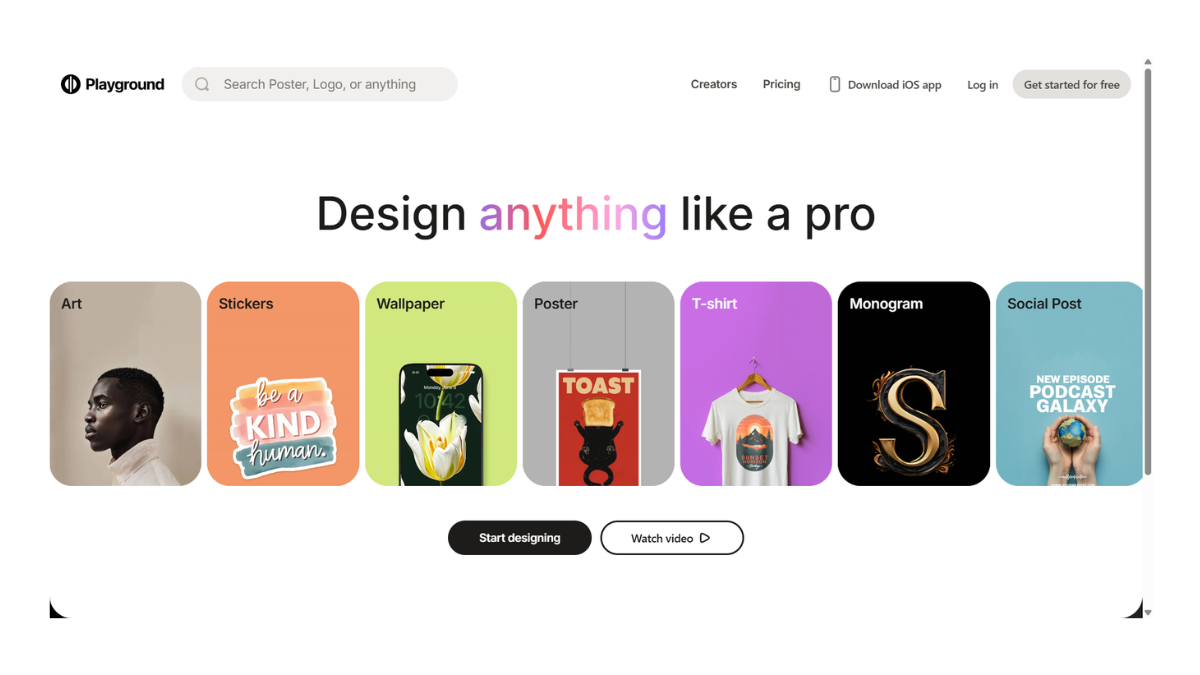
Playground AI
Playground (formerly Playground AI) is a popular web-based generative AI platform used for creating and editing images. It is widely considered one of the best user-friendly alternatives to Midjourney, particularly for users who prefer a graphical interface over Discord commands.
Here are the detailed aspects of the platform:
1. Core Purpose & Functionality
Playground is designed as a “hybrid” creative tool. It doesn’t just generate images from text; it allows you to edit them extensively. It bridges the gap between a simple prompt generator and a photo editor (like Photoshop).
-
Text-to-Image: You type a prompt (e.g., “A cyberpunk city in rain”), and it generates the visual.
-
Mixed Image Editing: You can combine real photos with AI elements.
-
Inpainting & Outpainting: You can erase unwanted objects (inpainting) or expand an image beyond its original borders (outpainting) to create new scenery.
2. The AI Models
Playground is unique because it hosts multiple models, including its own custom-trained version.
-
Playground v2.5 (Current Flagship): Their proprietary open-source model. It is designed to rival Midjourney v5.2 and SDXL. It excels in:
-
Aesthetics: High contrast, vibrant colors, and cinematic lighting.
-
Human Details: Better rendering of eyes, hands, and skin texture than standard Stable Diffusion.
-
Prompt Adherence: It follows complex instructions closely.
-
-
Stable Diffusion XL (SDXL): You can also choose to use base SDXL models if you prefer that style.
3. Key Features
-
The “Canvas” Interface: Unlike most generators that just give you a feed of images, Playground offers a “Canvas” mode. This is a whiteboard-like area where you can drag and drop multiple images, mask parts of them, and edit them together in real-time.
-
Filters: It has dozens of one-click presets (e.g., “Instaport,” “Cinematic,” “Spielberg,” “Woolitize”) that instantly apply a specific art style to your prompt without you needing to describe the style manually.
-
ControlNet Integration: It offers advanced tools that allow you to upload a sketch or a reference image to control the structure of the final output (e.g., keeping the exact pose of a person but changing them into a robot).
4. Pricing & Tiers (Important Update)
Historically, Playground was famous for allowing 1,000 free images per day. However, pricing models have recently shifted to be more restrictive for free users as compute costs have risen.
-
Free Plan:
-
Typically allows limited generations per specific time window (e.g., ~10 images every 3 hours or similar limits depending on current server load).
-
Slower generation speeds.
-
Images are public (visible to the community).
-
-
Pro Plan (~$15/month):
-
Significantly higher limits (e.g., ~2,000 images/day or high hourly caps).
-
Fast mode: Images generate in seconds.
-
Private Mode: Your images are hidden from the community feed.
-
No limits on image dimensions or quality steps.
-
5. Playground vs. Midjourney
| Feature | Playground AI | Midjourney |
| Interface | Web Dashboard & Canvas (UI based) | Discord Server (Chat based) |
| Editing | Excellent (Inbuilt eraser, outpainting) | Limited (Zoom/Pan only) |
| Cost | Free tier available; Pro is affordable | No free tier; Subscription required |
| Style | Versatile (Photorealistic to Cartoon) | Highly Artistic/Painterly default style |
| Control | High (ControlNet, Image-to-Image) | Medium (Vary Region, Reference) |
⚠️ Important Distinction: Apple “Image Playground”
Do not confuse Playground AI (the website playground.com) with Apple Image Playground.
-
Apple Image Playground is a system-level feature in iOS 18 (Apple Intelligence) integrated into Messages, Notes, and Freeform for generating simple cartoons and sketches on iPhone/iPad.
-
Playground (Website) is the professional-grade tool discussed above for high-quality, photorealistic, and artistic generation.
Summary Recommendation
Use Playground if: You want a free-to-start tool, need to edit specific parts of an image (like changing a shirt color), or want a clean web interface without using Discord.
Use Midjourney if: You want the absolute highest “artistic” quality with zero editing effort and are willing to pay upfront.
- Pricing Model: FREE