
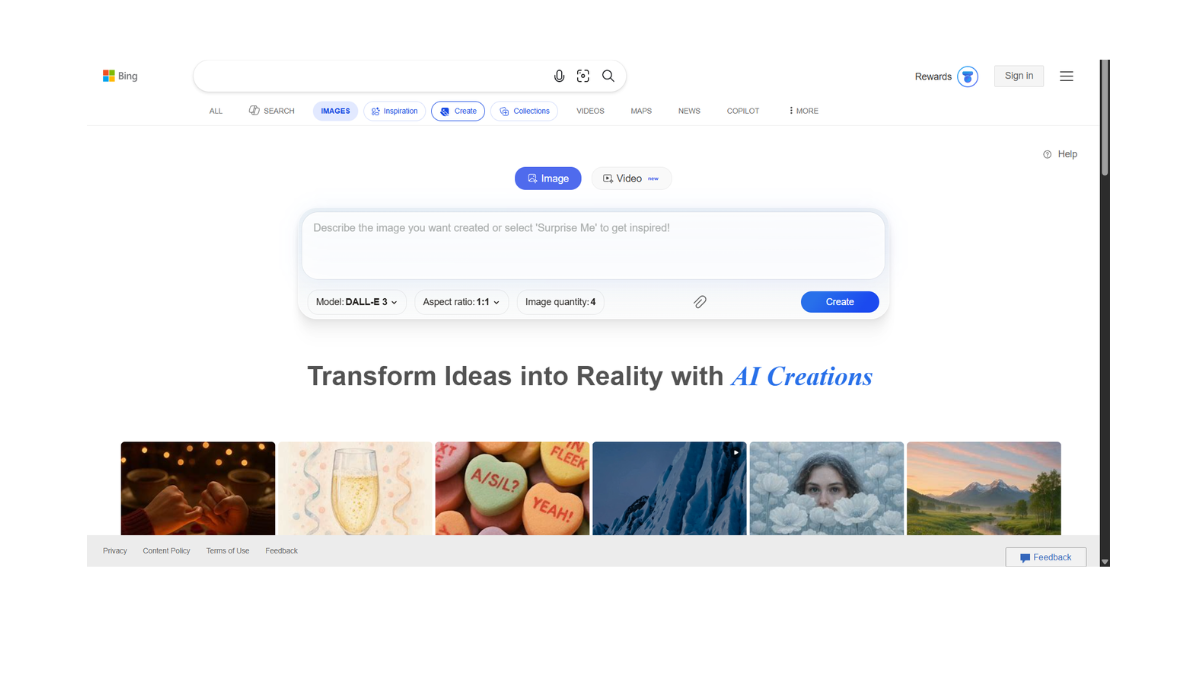
Bing Image Creator
Bing Image Creator (now officially integrated into Microsoft Designer) is widely considered the best completely free high-quality AI image generator available today.
It is powered by OpenAI’s DALL-E 3 model, which is the same advanced technology used in the paid version of ChatGPT Plus.
Here is a detailed breakdown of the tool:
1. 🚀 How It Works & Pricing
-
Completely Free: You do not need a subscription. You only need a free Microsoft account (Outlook, Hotmail, etc.).
-
The “Boost” System:
-
You receive 15 “Boosts” per day (this refreshes daily).
-
1 Boost = 1 Fast Generation (usually takes 10–20 seconds).
-
What happens if you run out? You can still generate images for free, but they will take much longer to process (sometimes 1–5 minutes) and are added to a “slow queue.”
-
-
Reward Points: If you run out of boosts and want speed, you can redeem “Microsoft Rewards” points (earned by searching on Bing) for more boosts.
2. ✨ Key Features
-
DALL-E 3 Power: It uses one of the world’s most advanced models, known for understanding complex prompts and following instructions better than almost any other free tool.
-
Text Rendering: Unlike older AI models, it creates legible (readable) text inside images (e.g., a neon sign that says “Coffee Shop” correctly).
-
4 Variations: Every time you hit “Create,” it generates 4 distinct versions of your prompt.
-
Integration: It is built directly into Bing Chat (Copilot). You can simply ask the chat, “Draw me a picture of…” without leaving the conversation.
-
Designer Editor: Once an image is made, you can click “Customize” to open it in Microsoft Designer to add text, remove the background, or create a social media post.
3. ⚖️ Pros & Cons
| ✅ Pros | ❌ Cons |
| Best Quality: Rivals paid tools like Midjourney. | Square Only: Defaults to 1:1 aspect ratio (square) inside the main tool. |
| Easy to Use: Very simple interface; just type and go. | Strict Censorship: It has very sensitive safety filters. Innocuous words can sometimes trigger a “Blocked” warning. |
| Realistic Faces: Generates very convincing human faces. | No “Image-to-Image”: You cannot upload a photo and ask it to “change this photo to anime.” It is text-to-image only. |
| Totally Free: No hidden monthly subscription for the base model. | Watermarks: Images usually have a small distinct AI watermark in the corner. |
4. 💼 Commercial Use Policy (Important)
This is a common area of confusion.
-
Personal Use: You have full rights to use the images for blogs, social media, presentations, and personal projects.
-
Commercial Use: Microsoft’s Terms of Service for the free version generally state it is for Personal Non-Commercial Use.
-
Note: While you “own” the images you create, Microsoft’s free license does not explicitly grant commercial clearance (unlike Adobe Firefly). If you need images for a major ad campaign or to sell on merchandise, it is safer to use a paid enterprise tool like Adobe Firefly or Midjourney to avoid legal grey areas.
-
5. 📝 How to Use It (Step-by-Step)
-
Go to bing.com/images/create.
-
Log in with your Microsoft Account.
-
Type a prompt: Be descriptive!
-
Bad Prompt: “A cat.”
-
Good Prompt: “A fluffy ginger cat wearing a space suit, floating inside a futuristic space station, cinematic lighting, 4k, realistic.”
-
-
Click “Create” (uses 1 Boost).
-
Click on the image you like to download it or edit it further.
- Pricing Model: FREE