

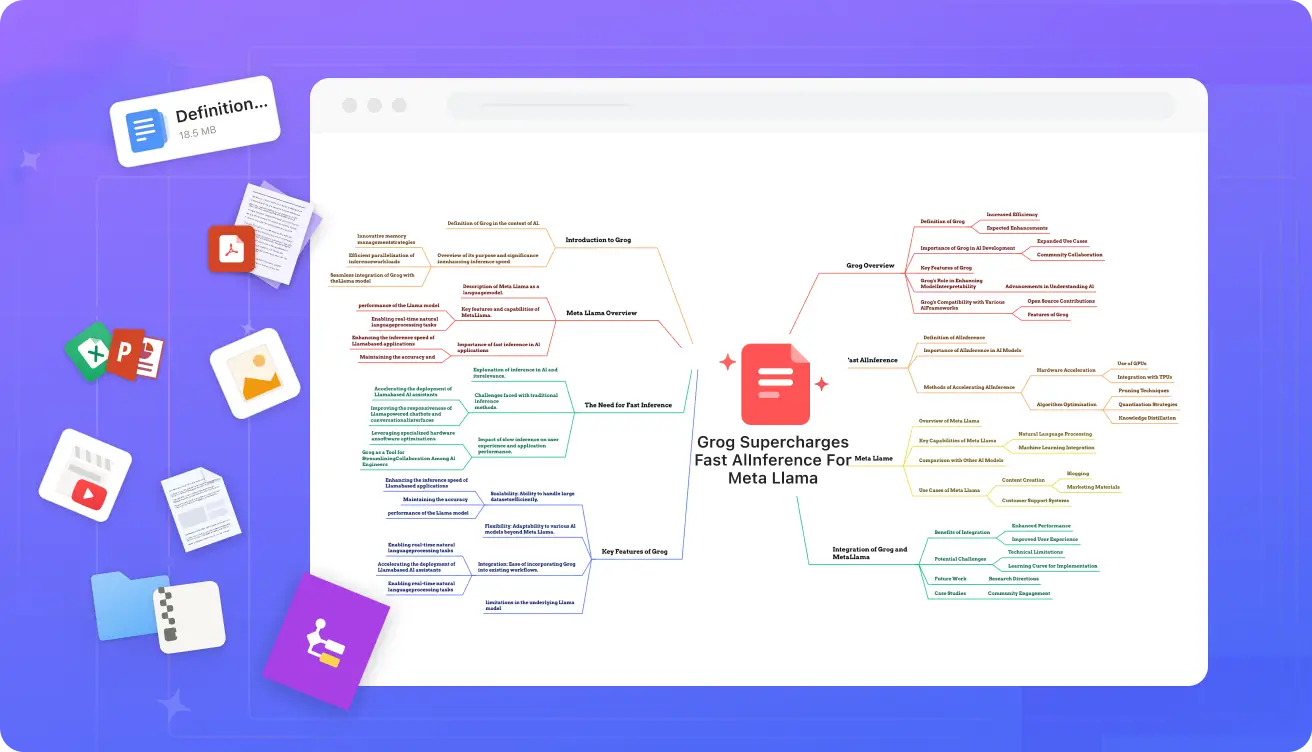
AI mind mapper
The Best Free AI Mind Map Generators in 2025
In an era where information overload is the norm, mind maps have become an indispensable tool for organizing thoughts, brainstorming ideas, and distilling complex concepts into visual masterpieces. But why stop at manual sketching when AI can do the heavy lifting? As of November 2025, AI-powered mind map generators are revolutionizing how students, professionals, and creators capture and expand their ideas—often for free.
Whether you’re transforming a dense PDF into a branching diagram, converting scattered text notes into a structured overview, or simply prompting an AI for fresh insights, these tools save hours while sparking creativity. In this guide, we’ll explore the top free options, dive into specialized features like PDF and text conversion, spotlight NoteGPT, and even touch on Google-integrated solutions. Let’s map out the best paths to clearer thinking.
What Makes an AI Mind Map Generator a Game-Changer?
Traditional mind mapping requires drawing nodes, linking branches, and iterating endlessly. AI flips the script: input text, a URL, or a file, and watch as algorithms like GPT or Claude identify key themes, hierarchies, and connections. The result? Instant, editable visuals that enhance retention by up to 10x, according to user testimonials.
Key perks include:
- Speed: Generate a map in seconds, not hours.
- Versatility: Handle text, PDFs, videos, and more.
- Customization: Edit nodes, add colors, and export to PDF or PNG.
- Free Tiers: Most offer unlimited basic use, with premium upgrades for power users.
Now, let’s zoom in on the must-try tools, starting with the cream of the crop.
The Best Free AI Mind Map Generators for 2025
Based on hands-on reviews, user feedback, and feature depth, here are the standout free tools. We’ve prioritized those with robust AI, no sign-up walls, and seamless exports.
| Tool | Key Features | Best For | Limitations | Free Export Options |
|---|---|---|---|---|
| Mapify | Converts PDFs, text, YouTube videos, and images to mind maps; unlimited text-to-map; interactive navigation. | Students summarizing lectures or pros analyzing reports. | Basic PDF processing in free tier; advanced LLMs (e.g., Gemini) require pro. | PNG, PDF, shareable links. |
| GitMind | Real-time collaboration; AI brainstorming from prompts; supports flowcharts and org charts. | Team projects and visual planning. | Watermarks on exports; limited AI generations per day. | PNG, PDF, Markdown. |
| MindMap AI | Handles text, PDFs, audio, and video; AI Copilot for expansions; up to 4,000 words per map. | Versatile content creators turning multimedia into maps. | Credit system for heavy use; no direct app import. | PNG, SVG, PDF, CSV, Markdown. |
| NoteGPT | Text-to-map with ChatGPT/Claude; editable nodes; 5,000-character limit. | Quick note organization without fuss. | Chunk inputs for best results; no multi-file batching. | PNG, Markdown copy. |
| MyMap.AI | Chat-based generation from text or files; real-time collaboration; 1M+ users. | Beginners and business pros breaking down projects. | File uploads limited in free; prompts needed for refinements. | PNG, PDF, shareable URLs. |
| Mind Map Wizard | No-sign-up instant generation; topic-based prompts. | Fast, ad-free ideation on the fly. | Basic editing; paid for cloud storage ($1/mo). | PDF, JPG, SVG. |
These picks dominate 2025 lists for their balance of power and accessibility—Mapify edges out as the overall best for its multi-format support, while GitMind shines in collaborative settings.
AI Mind Map Generators from PDF: Free Tools to Tame the Document Beast
PDFs are notorious time-sinks—endless scrolling through reports, papers, or ebooks. Enter AI converters that extract hierarchies and spit out mind maps. Here’s how the leaders stack up:
- iWeaver AI: Upload multiple PDFs at once for batch mind maps; end-to-end encryption; ideal for researchers. Free for quick visuals, with summaries included.
- Mapify ChatPDF: Generates interactive maps and lets you query the AI (e.g., “Explain key findings”); handles technical docs effortlessly.
- AmyMind: Converts PDFs to editable maps with AI branch suggestions; exports to PowerPoint or Word for presentations.
- Edraw.AI: One-click upload to summary-then-map; great for business strategies turning static files into dynamic ideas.
Pro tip: For scanned PDFs, tools like MindMap AI’s OCR integration shines, ensuring nothing gets lost in translation. These free options make “PDF dread” a thing of the past, boosting comprehension for everything from academic reviews to market analyses.
From Text to Brilliance: AI Generators That Turn Words into Maps
Got a wall of notes, an article draft, or meeting transcript? Text-to-mind-map tools parse your input for themes and relationships, creating radial diagrams ripe for expansion.
- NoteGPT’s AI Mind Map: Paste up to 5,000 characters; AI auto-structures with emojis for visual pop. Users rave about time savings: “High-quality maps in seconds—no manual drawing.”
- Monica AI: Starts from text, images, or URLs; right-click to “AI Generate Node” for infinite branching. Perfect for evolving ideas mid-session.
- Miro AI: Prompt-based (e.g., “Map climate change impacts”); infinite canvas for teams. Free plan includes full AI mind mapping.
- Think Machine: Advanced text analysis for complex connections; 3D views for deep dives.
These tools excel at uncovering hidden links in your prose, making them must-haves for writers and learners alike.
Spotlight: NoteGPT AI Mind Map Generator—A Student’s Secret Weapon
NoteGPT isn’t just a generator—it’s a full AI learning suite. Upload text, and it summarizes and maps, visualizing hierarchies for better retention. Reviews highlight its simplicity: “Transforms lengthy texts into digestible visuals,” with mind maps aiding memory by showing connections at a glance.
Pros:
- Free, no-sign-up for basics.
- Integrates with notebooks for categorized study sessions.
- Exports as PNG or Markdown for easy sharing.
Cons:
- Character limits mean chunking long docs.
- Less flashy than visual-heavy rivals like Canva.
For visual learners, NoteGPT’s maps turn passive reading into active exploration—ideal for cramming or project planning. As one reviewer noted, it’s “poised to transform educational workflows.”
Google AI Mind Map: Seamless Integration for Workspace Warriors
Google doesn’t have a standalone “AI Mind Map” tool, but its ecosystem is packed with gems via the Workspace Marketplace:
- AI Mind Maps Maker: ChatGPT-powered; generates from prompts, PDFs, or videos; edits in WYSIWYG style. Free for Google Drive users—perfect for note-taking or brainstorming.
- Mindomo: Pulls files from Drive; AI expands text into full maps, Gantt charts, or outlines. Real-time collab shines here.
- AI Mind Map Generator: Quick PDF/text conversions; organizes ideas into actionable branches.
These extensions make mind mapping native to Gmail, Docs, and Sheets—no app-switching required. If you’re in the Google bubble, start with AI Mind Maps Maker for its zero-friction setup.
Wrapping Up: Choose Your AI Mapping Adventure
In 2025, the “best” free AI mind map generator depends on your flow: Mapify for all-in-one versatility, NoteGPT for text-focused simplicity, or Google tools for ecosystem loyalists. PDF conversions? iWeaver or Edraw.AI. Raw text? Monica or Miro.
The real magic? These tools don’t just organize—they inspire. Dive in, experiment with a prompt like “Map my 2026 goals,” and watch ideas branch into action. Ready to visualize your next big thing? Head to one of these links and start mapping today. Your brain will thank you.
- Pricing Model: Free and Paid
Leave a Comment